


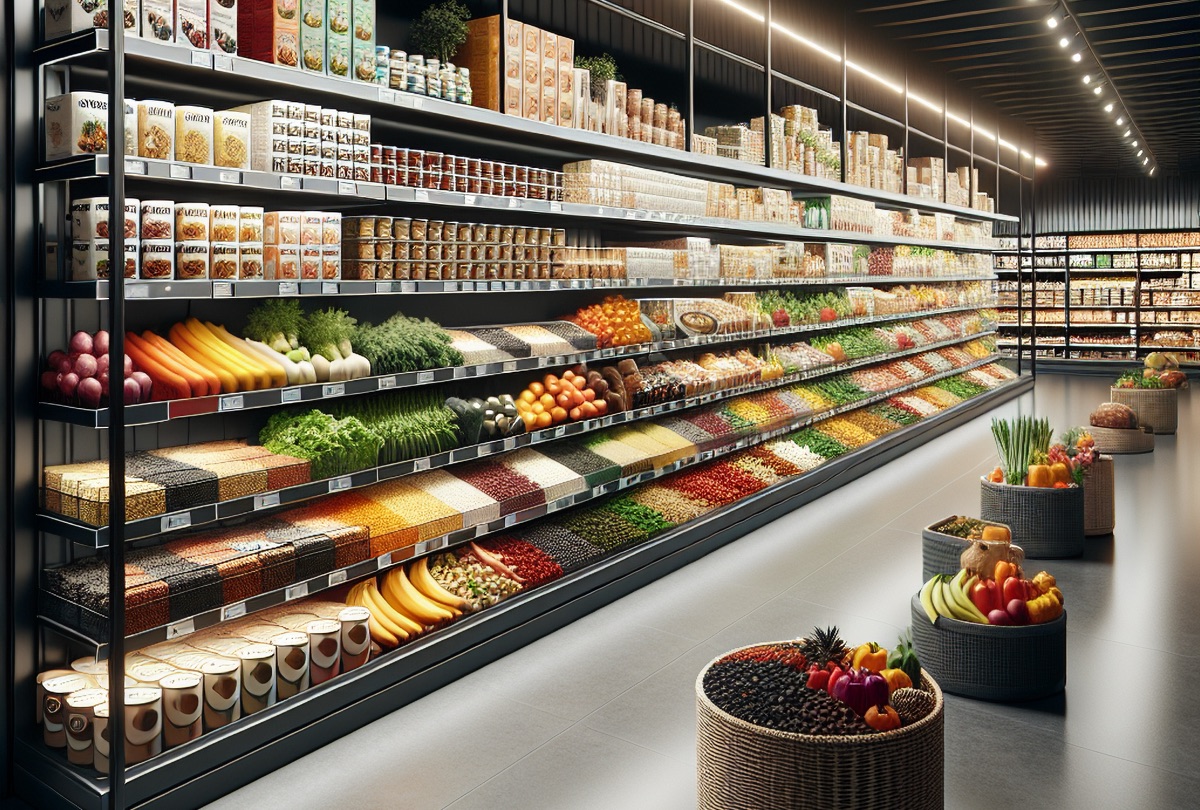
Wholefood Merchants
Australia's largest wholefood grocer.
View case study



As products, suppliers, departments and locations grow, purchasing becomes fragmented, stock becomes harder to control and in-house production often operates separately from the rest of the business. Supply’d connects retail, warehouse and production workflows so your team can reduce manual work and operate with greater visibility.

Supply’d ERP connects demand, purchasing, receiving, inventory, production, replenishment and sales across the operation. Products and ingredients remain connected as they move through warehouses, production departments and stores, giving your team clearer stock visibility, stronger traceability and better control over waste and margin.


Supply’d ERP connects suppliers, purchasing, inventory, production departments, warehouses and stores in one system. Demand informs purchasing and replenishment, production consumes real ingredients, and stock remains visible as it moves across the operation.


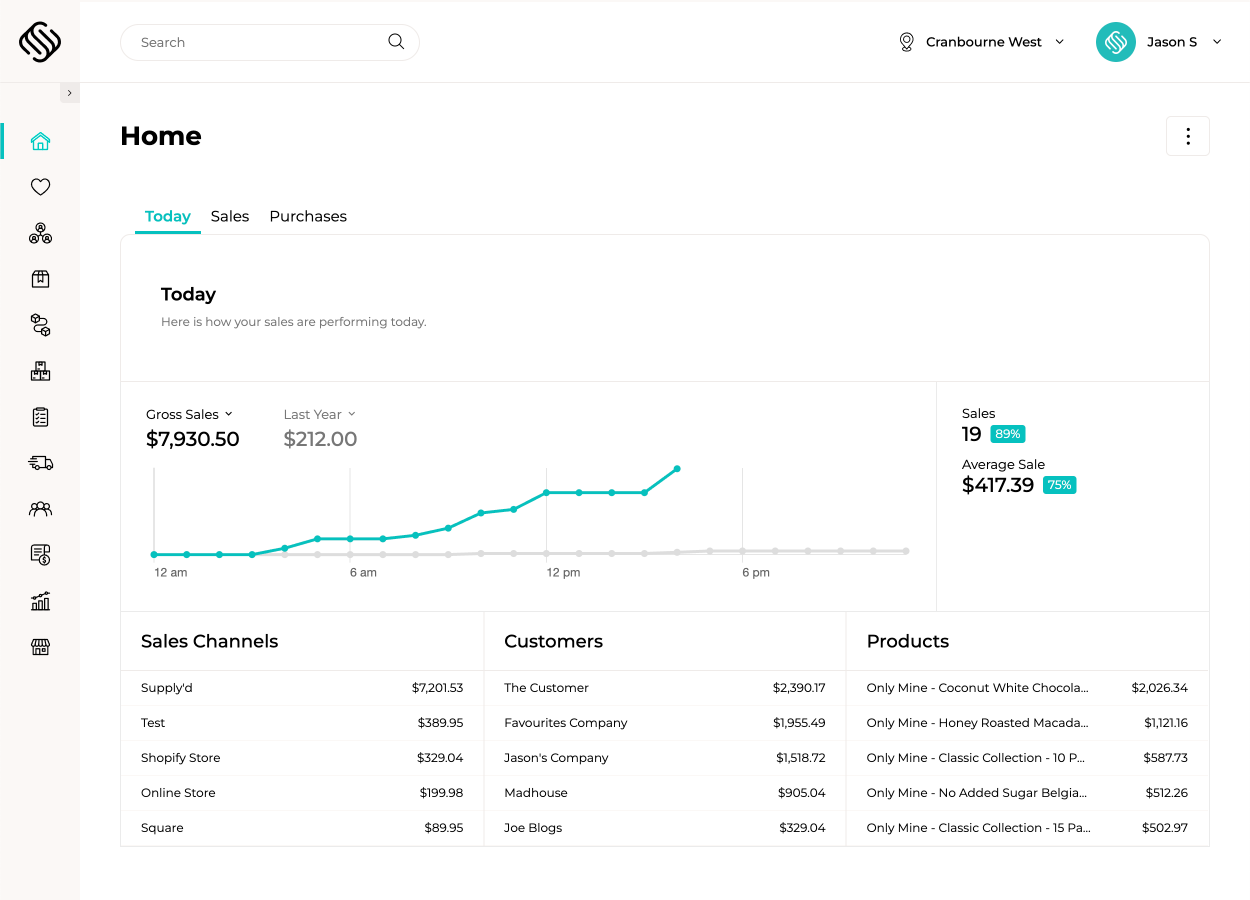
Supply’d ERP brings products, suppliers, purchasing, inventory, production, stores and reporting into one connected platform, giving every department the information and workflows it needs to keep stock moving, reduce waste and protect margin.

 Connected Through Supply'd Hub
Suppliers submit products, pricing, images and promotions through Supply’d Hub. Your buying team reviews, approves or declines each submission, and approved product information flows into Supply’d ERP without being rebuilt manually.
Explore Product ManagementUse sales demand, current inventory, minimum stock, supplier lead times, order multiples and purchasing rules to recommend what should be ordered. Supply’d gives buyers clearer information while keeping them in control of reviewing and approving purchase orders.
Explore Purchase Management
Run bakery, butchery, ready-meal, deli and central-kitchen production in the same system as purchasing and inventory. Ingredients are consumed as products are made, finished stock becomes available for stores, and costs, batches and expiry information remain connected.
Explore Production ManagementTrack inventory as it is received, transferred, produced, replenished, written off and sold. Supply’d gives head office and store teams a clearer view of where stock is held, what is approaching expiry and where replenishment is required.
Explore Warehouse Management
Capture expiry, write-offs, production yield, supplier cost changes and sales performance across both purchased products and in-house production. Supply’d helps teams understand where margin is being lost across purchased products, fresh departments and in-house production.
Explore Business Intelligence

Supply’d Intelligence turns operational data into action. It forecasts demand, recommends purchasing and replenishment, plans production, reads supplier invoices and highlights changes affecting stock, waste and margin.
Explore Supply'd Intelligence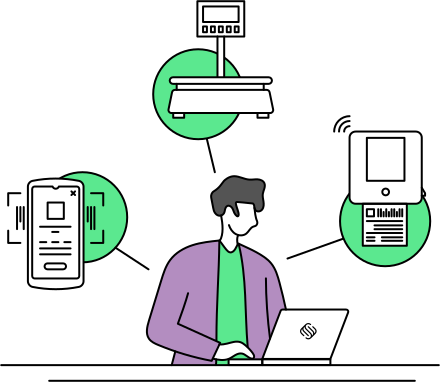
Supply’d works from the receiving dock to the production department and shop floor. Connect scanners, scales, label printers, tablets and mobile devices to guide receiving, stocktakes, production, transfers, replenishment and warehouse workflows.

Implementation is tailored to the size and complexity of your operation. Choose structured remote onboarding or deeper planning, data support, onsite training and go-live assistance through our Discovery & Implementation Program.
Explore ImplementationSupply’d ERP runs the operational workflows behind purchasing, production, inventory, warehouse and supplier management, while connecting with supported accounting, ecommerce and point-of-sale systems where integrations are available.











Supply’d combines retail inventory and purchasing with food production, warehouse, supplier and multi-location workflows in one connected platform. That gives grocers the flexibility to run complex departments without stitching together separate systems for every part of the business.

Explore how Supply’d ERP could connect suppliers, purchasing, inventory, production departments, warehouses, stores and reporting across your business.
Book a demoYes. Supply'd is designed to manage large product ranges across multiple suppliers, departments and locations. Products can include supplier codes, pack sizes, barcodes, pricing, images, ordering rules, tax settings and other operational information within one connected catalogue.
Yes. Supply'd centralises supplier products, pricing, lead times, minimum orders, order multiples and purchasing rules. Buyers can review suggested purchases, create purchase orders and manage supplier relationships without rebuilding orders across disconnected spreadsheets and portals.
Smart Purchasing considers sales demand, current inventory, minimum stock, supplier lead times, order multiples and upcoming requirements to recommend what should be ordered. Your buying team remains in control of reviewing and approving purchase orders before they are sent.
Yes. Supply'd can maintain supplier pricing and identify changes when purchase information or invoices are received. Supplier promotions can also be connected to purchasing and expense verification, helping your team understand when promotional pricing applies and whether it has been reflected correctly.
Yes. Supply'd supports multiple stores, warehouses, departments and inventory locations within one platform. Head office and operational teams can see where stock is held, manage transfers and maintain clearer visibility across the wider business.
Yes. Stock can be received into a central warehouse, transferred between locations and replenished into stores or departments. Supply'd records inventory movement as it happens, helping teams reduce manual transfer records and improve stock visibility.
Yes. Supply'd supports bakery recipes, standing orders, production planning, baker's percentages, hydration calculations, starters, guided weigh-up, yield capture and batch traceability. Bakery production can operate within the same system as grocery purchasing, inventory and store operations.
Yes. Supply'd supports production breakdowns, catch weights, scale-connected workflows, yield tracking, batch control and value-added meat production. Butchery operations remain connected to purchasing, inventory, wholesale orders and reporting across the wider grocery business.
Yes. Recipes, sub-recipes and multi-stage production can be used for salads, ready meals, sauces, deli products and other prepared foods. Ingredients are consumed during production, finished inventory is created and costs, allergens, batches and expiry information remain connected.
Yes. A central bakery, butchery or kitchen can produce finished goods for multiple stores, departments, wholesale customers or other locations. Supply'd can connect production requirements, finished inventory and stock transfers across the operation.
Yes. Supplier batches and expiry dates can be recorded during receiving and followed through inventory, production and fulfilment. This improves traceability and helps teams understand where expiring or affected stock is held across the business.
Yes. Supply'd can guide warehouse and production teams to use stock according to first-expired, first-out rules. This helps improve stock rotation, reduce avoidable waste and maintain stronger control over perishable inventory.
Yes. Teams can record waste, damaged stock, expiry and other write-offs against the relevant products, batches and locations. This gives the business a clearer view of where stock and margin are being lost across resale inventory and in-house production.
Yes. Supply'd supports scanner-based receiving, stocktakes, inventory movements, write-offs, picking and batch selection. Teams can use supported PDA or tablet scanners to record work directly on the floor rather than returning to paper sheets or office computers.
Yes. Supply'd can generate configurable product, shelf, batch, carton and pallet labels using information held in the system. Labels can include product names, prices, barcodes, weights, batch numbers, expiry dates, ingredients and allergens where required.
Yes. Supply'd supports GS1 barcode workflows and can read relevant batch, expiry, weight and product information from supported barcode formats. It can also support weight- or price-embedded barcode workflows used for variable-weight products.
Yes. Grocery businesses can manage wholesale customers, customer-specific pricing, standing orders, picking, packing and delivery alongside the retail and production operation. Wholesale customers can also place orders through Supply'd Lite.
Yes. Suppliers can use Supply'd Hub to work with Supply'd ERP customers without needing their own ERP account. This can reduce email, repeated product entry and disconnected supplier communication.
Supply'd is designed to run operational workflows such as purchasing, supplier management, inventory, production, warehouse and fulfilment. Whether your existing point-of-sale system can remain in place depends on the integration available and the scope of your implementation.
Supply'd is designed to run the operational side of the business, including purchasing, inventory, production, orders, warehouse and fulfilment. Financial information can then be sent to supported accounting platforms such as Xero and MYOB, allowing your finance team to retain its existing accounting workflow.
Yes. Supply'd supports multiple locations, departments, warehouses, production areas and user permissions within one connected platform. This gives head office central visibility while allowing individual teams and sites to manage the work relevant to them.
Yes. Departments, production areas, product ranges and user permissions can be configured so teams see and manage the information relevant to their role while the business retains one connected operational view.
Supply'd is cloud-based and can be used across computers, tablets and supported mobile devices. Grocery teams may also use PDA scanners, tablet scanners, connected scales, barcode printers, shelf-label printers and production tablets across receiving, stocktakes, production and warehouse workflows.
Implementation can include operational discovery, product and supplier data migration, workflow configuration, integration planning, production setup, hardware deployment and staff training. The rollout can also be phased by department, location or operational priority where appropriate.