






Only Mine
Gourmet chocolate manufacturer.
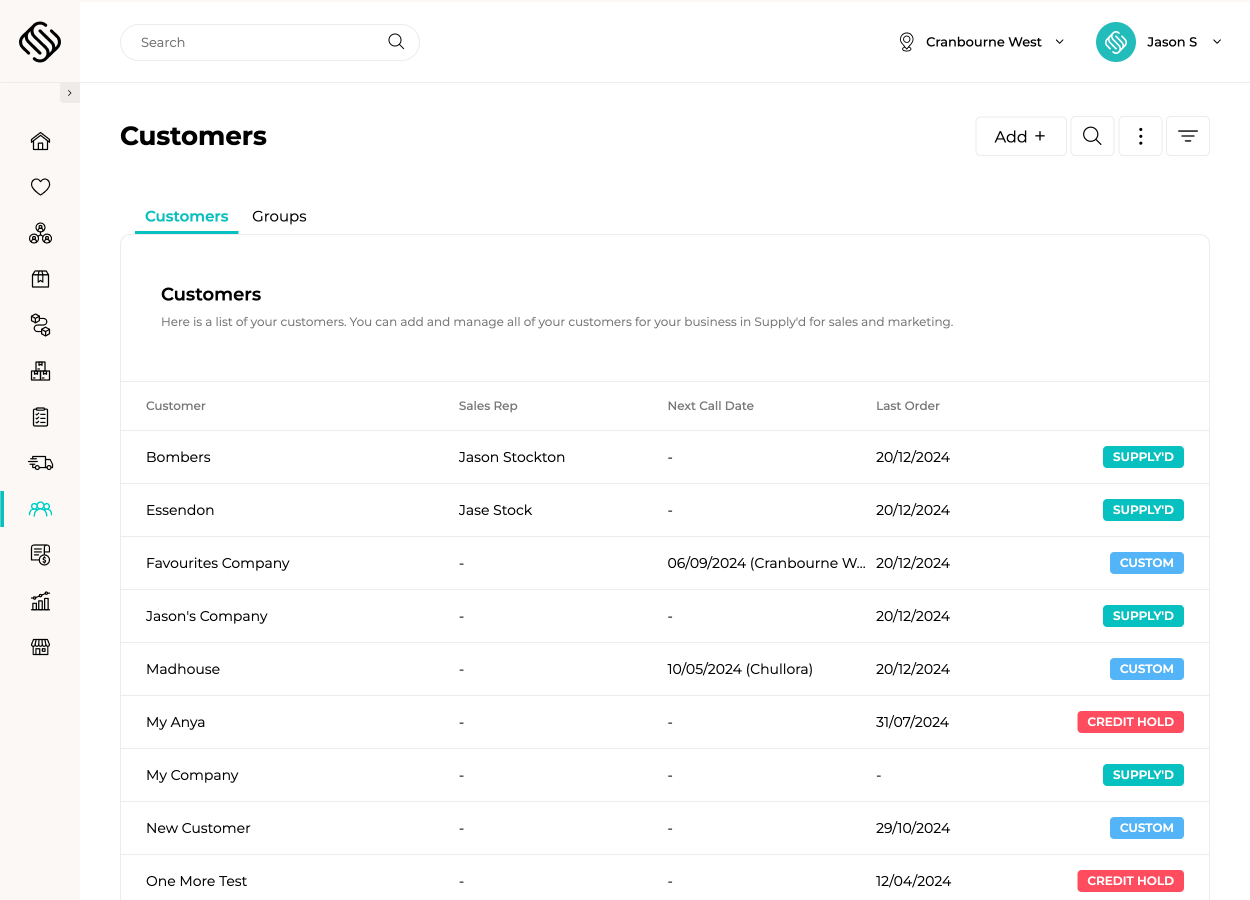
View case studyKeep customer details, contacts, locations, pricing, payment terms, quotes, orders, notes and activity together in one central record. Give sales, customer service, warehouse and accounts teams the same reliable view of every customer.
Track prospects from the first enquiry through follow-ups, quotes and conversion without relying on separate spreadsheets or CRM software. Record notes, next actions and assigned sales reps, then convert successful leads into customers without entering the information again.
Store multiple contacts, billing details, delivery addresses and locations against each customer account. Choose who receives invoices, order confirmations and delivery updates while maintaining one connected view across head offices, branches and buying locations.
Apply customer-specific products, pricing, discounts, payment terms, credit limits and ordering rules automatically. Manage these settings by customer or customer group so every order follows the correct commercial rules.
Give sales reps access to customer details, product ranges, pricing, order history and account activity from their phone or tablet. Reps can place orders, schedule follow-ups and record notes while keeping the wider team informed.
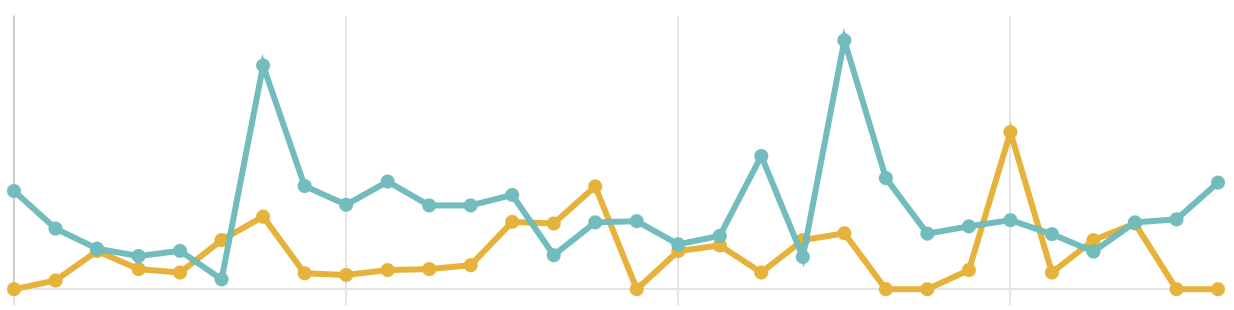
See sales, margins, order history, outstanding balances and customer activity in one place. Identify growing accounts, dormant customers, credit risks and changing buying patterns so your team knows where to follow up.
 Connected Through Supply'd Lite
Supply’d Lite gives customers an easy way to view their products, pricing and favourites and place orders directly with your business. Orders flow into Supply’d ERP without manual entry while your team retains control over each customer’s product range, pricing and ordering rules.
Explore Supply'd Lite
Explore how food manufacturers, bakeries, wholesalers and retailers use Supply’d ERP to run their operations.
Book a demoSupply’d ERP is built around the workflows food manufacturers, distributors and retailers rely on every day.
Supply’d is built around the way food and retail businesses actually operate. We combine deep industry understanding with connected technology to deliver customer management software that improves control, reduces manual work and connects teams across the operation.
Customer management software gives your team one place to manage leads, customer details, contacts, locations, pricing, payment terms, sales activity and account performance. Supply'd connects this information with sales orders, inventory, production, fulfilment and reporting.
Supply'd includes customer relationship management features such as lead tracking, follow-ups, contacts, notes, assigned sales representatives and customer activity. Unlike a standalone CRM, this information remains connected with pricing, orders, inventory, production, delivery and invoicing.
Yes. Prospects can be managed from their first enquiry through follow-ups, quotes and conversion, while existing customers can be managed across contacts, locations, pricing, orders, account activity and performance.
Yes. Supply'd can record prospect details, assigned sales representatives, notes, follow-up dates, next actions and lead status, giving your team a clearer view of which opportunities require attention.
Yes. A successful lead can be converted into a customer without entering the same contact and business information again. The new customer record can then be configured with pricing, payment terms, product ranges and ordering rules.
Yes. Leads and customers can be assigned to sales representatives so ownership, follow-ups and account activity remain visible to the wider team.
Yes. Multiple contacts can be stored against each customer, including buyers, accounts contacts, store managers, warehouse contacts and other relevant people.
Yes. Contacts can be associated with different responsibilities and communication requirements, helping your team identify who should receive quotes, invoices, order confirmations, delivery updates and other information.
Yes. Customers can have multiple delivery locations, billing addresses, stores, branches or buying sites while remaining connected to one central customer account.
Yes. Each location can retain its own address, delivery instructions, contacts and operational information so orders and deliveries are sent to the correct site.
Yes. Product availability and ordering rules can be configured for different customers or locations, allowing branches and buying sites to access the products relevant to them.
Yes. Supply'd supports customer-specific pricing, customer-group pricing, product overrides, discounts, carton pricing and quantity-based pricing. The correct pricing can be applied automatically when an order or quote is created.
Yes. Customers can be assigned to groups with shared products, pricing, discounts, payment terms and ordering rules. Individual customer settings can also override the group where required.
Yes. Discounts can be applied through customer pricing, customer groups, product-specific price overrides or other agreed commercial rules.
Yes. Payment terms can be configured against each customer and used throughout sales order, invoicing and accounting workflows.
Yes. Credit limits and account settings can be recorded against customer accounts, helping sales, customer service and accounts teams maintain visibility over commercial risk.
Yes. Customer account status and credit settings can be used to control whether new orders should proceed, require review or remain on hold according to your internal process.
Yes. Notes, follow-ups, account activity and other customer information can be recorded against the customer, giving authorised team members a clearer history of the relationship.
Yes. Customer records can provide access to connected quotes, orders, purchasing patterns and account activity, helping your team understand the history of the relationship.
Yes. Sales representatives can access customer information, pricing, product ranges, order history and account activity from supported mobile devices while visiting customers or working remotely.
Yes. Sales representatives can create orders using the products, pricing, terms and ordering rules assigned to the customer. The order then flows into the same production, warehouse and fulfilment workflows as orders received through other channels.
Yes. Sales representatives can record notes, customer activity and next actions so important account information remains visible to the wider sales and customer service team.
Yes. Supply'd can report on customer sales, margins, products, order history and buying patterns, helping your team understand account performance over time.
Yes. Customer activity and order history can be used to identify accounts that have stopped ordering or are purchasing less frequently, giving your team a clearer list of customers requiring follow-up.
Yes. Sales and order information can help identify customers whose order frequency, revenue or product range is increasing, allowing your team to focus on accounts with further growth potential.
Yes. Customer reporting can include sales and margin information, helping your team understand which accounts, products and pricing arrangements are contributing to profitability.
Customer account information can include outstanding balance and credit visibility through supported accounting and financial workflows, depending on your integration and implementation scope.
Yes. Customers can use Supply'd Lite to view their products, pricing and favourites and place orders directly with your business.
No. Supply'd Lite gives customers a free and simple way to order from businesses using Supply'd ERP without purchasing the full ERP platform.
Yes. Customers can access the products, pricing, units and ordering rules assigned to them, helping prevent incorrect products or prices from being selected.
Yes. Supply'd Lite can make repeat ordering easier by giving customers access to their relevant products, favourites and previous buying information.
No. Orders placed through Supply'd Lite flow directly into Supply'd ERP, reducing the need for your team to recreate orders from emails, phone calls or spreadsheets.
Yes. Customer pricing, product ranges, locations, contacts and delivery requirements remain connected as orders move through production, inventory, picking, delivery and invoicing.
Yes. Sales, customer service, warehouse, delivery and accounts teams can work from the same connected customer information while permissions control which details and actions are available to each user.
Yes. User permissions can be configured so team members only see and manage the customer information relevant to their role, location or department.
Yes. Supply'd integrates with supported accounting platforms including Xero and MYOB. Customer and financial information can flow between systems according to the integration and implementation scope.
Yes. Existing customer records, contacts, locations, pricing and other relevant information can be imported during implementation, subject to the structure and quality of the available data.
Yes. Supply'd is designed for food businesses managing customer groups, multiple locations, different contacts, customer-specific pricing, product ranges, payment terms and connected wholesale ordering workflows.